
How We Obtain SMS Consent
MakeReady requires explicit, affirmative consent before sending any SMS messages to group members. Consent is collected on-site during the group join flow at app.makeready.org/join/group. Below is a demonstration of the consent experience members see when joining a group, study, or event.
The group leader obtains the recipient's verbal or written consent out-of-band before adding their phone number. On-site, the recipient is additionally offered an optional, never-pre-checked SMS consent checkbox. Checking it is not required to join — members can complete the flow without it; leaving it unchecked simply means they are not enrolled for SMS.
Verbal & Paper Consent (Step 1)
Before any message is sent, the group leader obtains the recipient's consent in person — either by reading a short verbal script or by having the recipient sign a paper opt-in form. This is the first step of our double-opt-in model; the on-site confirmation shown below is the second.
The word-for-word verbal script, a printable paper consent form (with an unchecked consent box and signature line), and the full message-program details — sender, message types, frequency, and STOP/HELP keywords — are documented in our SMS opt-in proof document:
Walkthrough — Join Group Flow
Below are live screenshots of each step a member sees when joining a group at
app.makeready.org/join/group/{code}. Swipe or scroll horizontally.
The consent checkbox appears on Step 2 (SMS Consent) —
it is never pre-checked and is optional: the member can continue
without checking it.
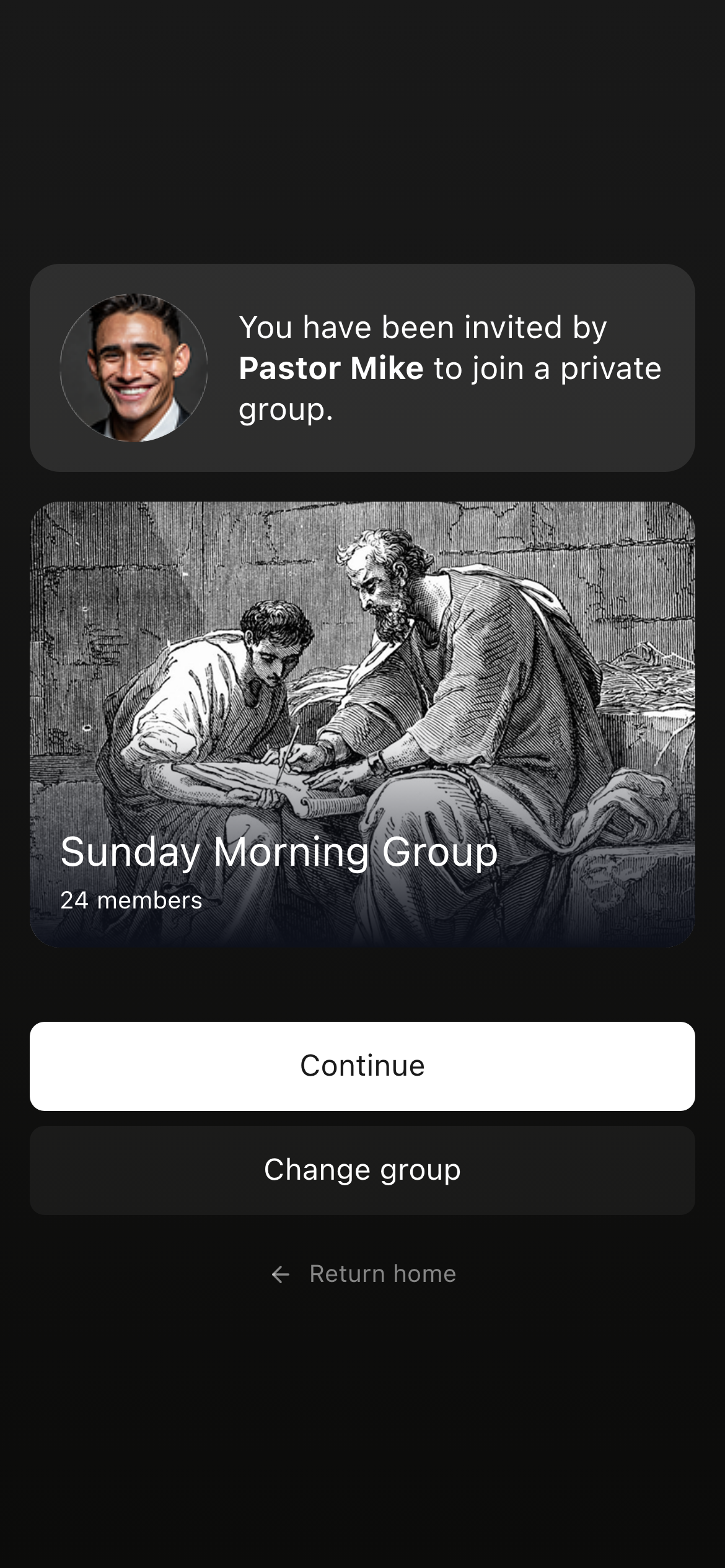
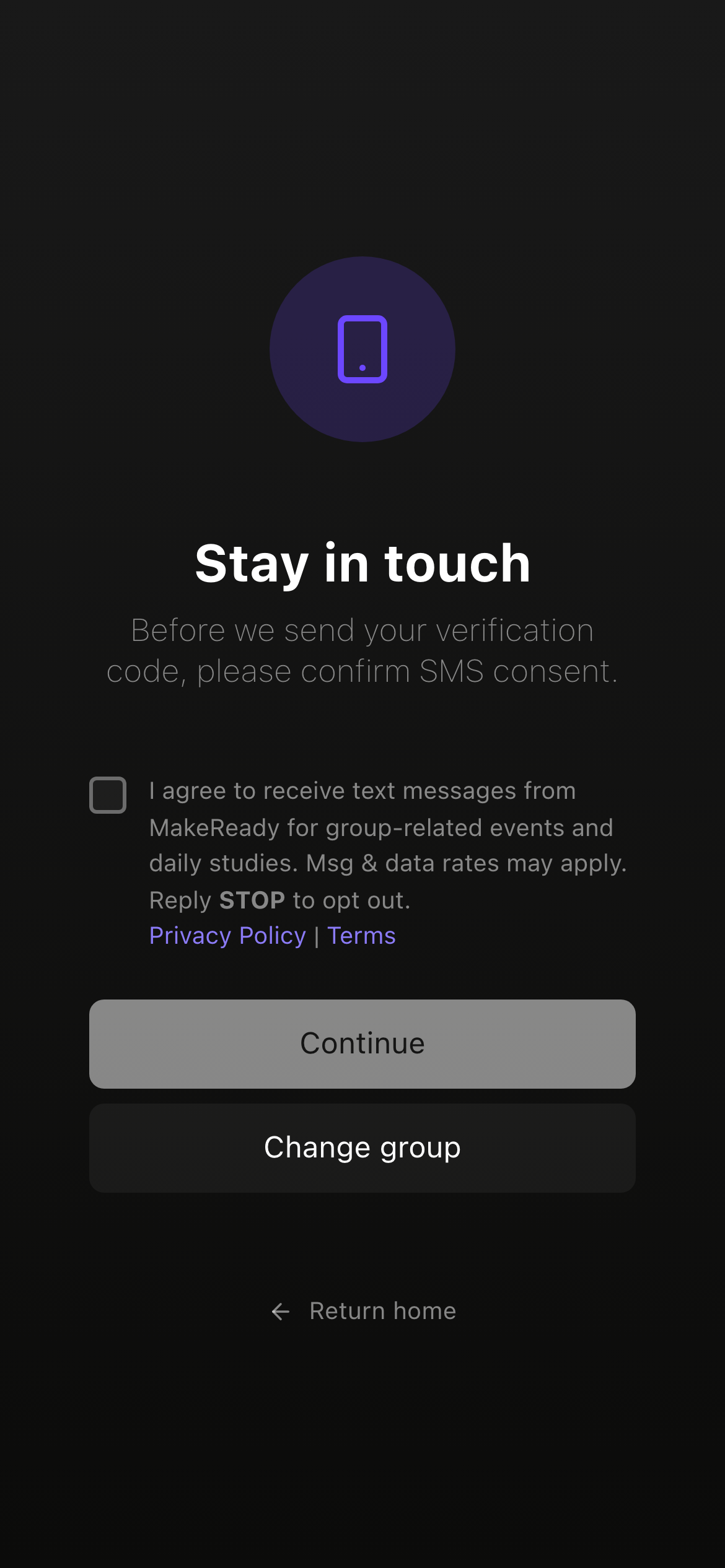
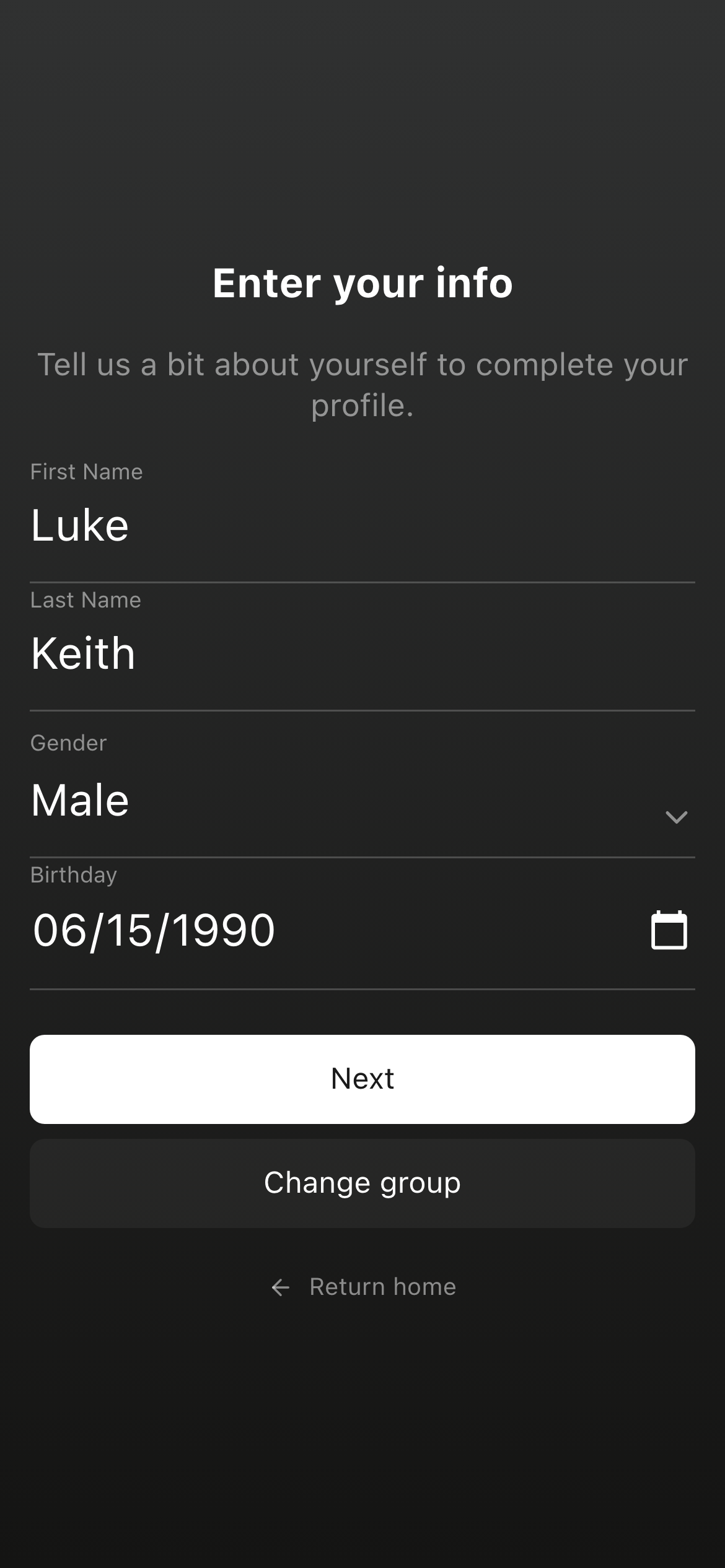
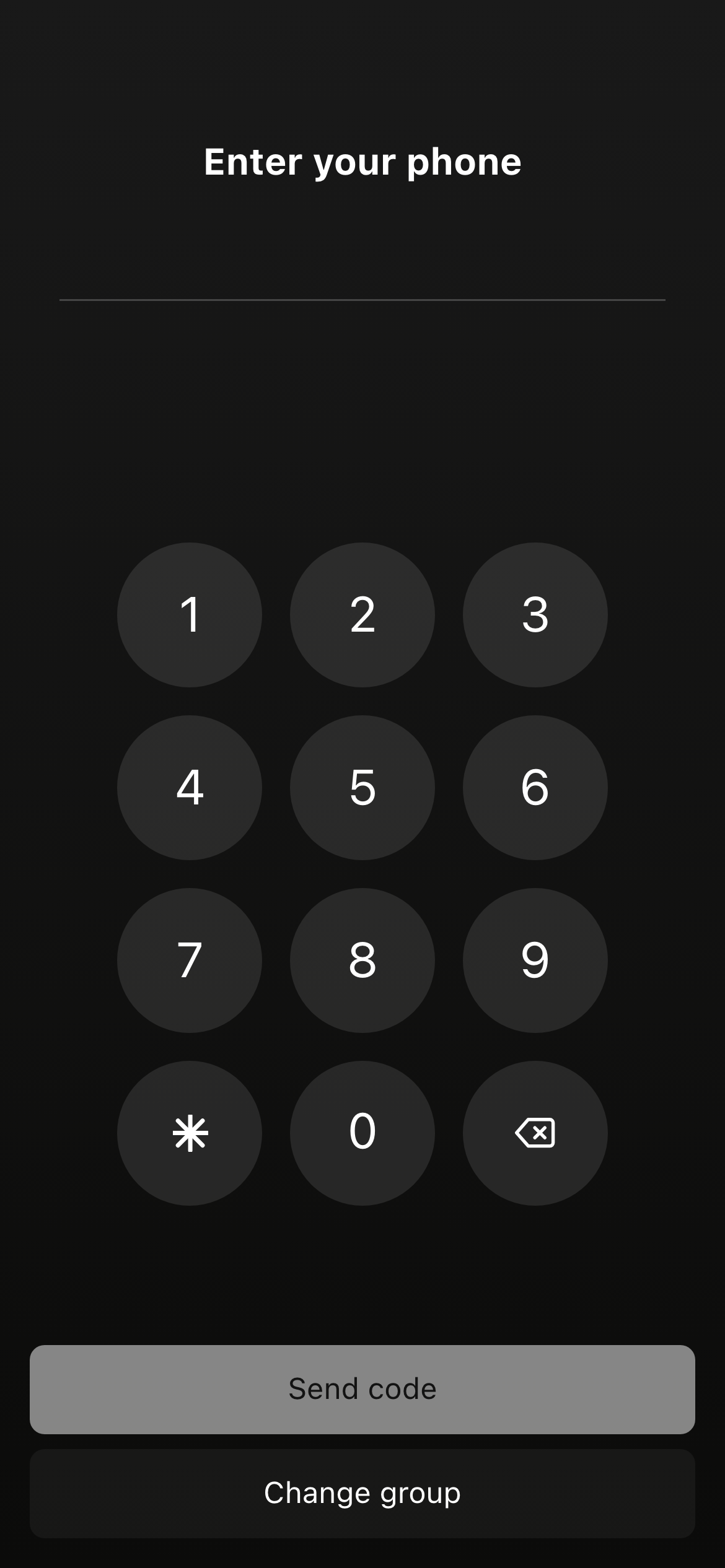
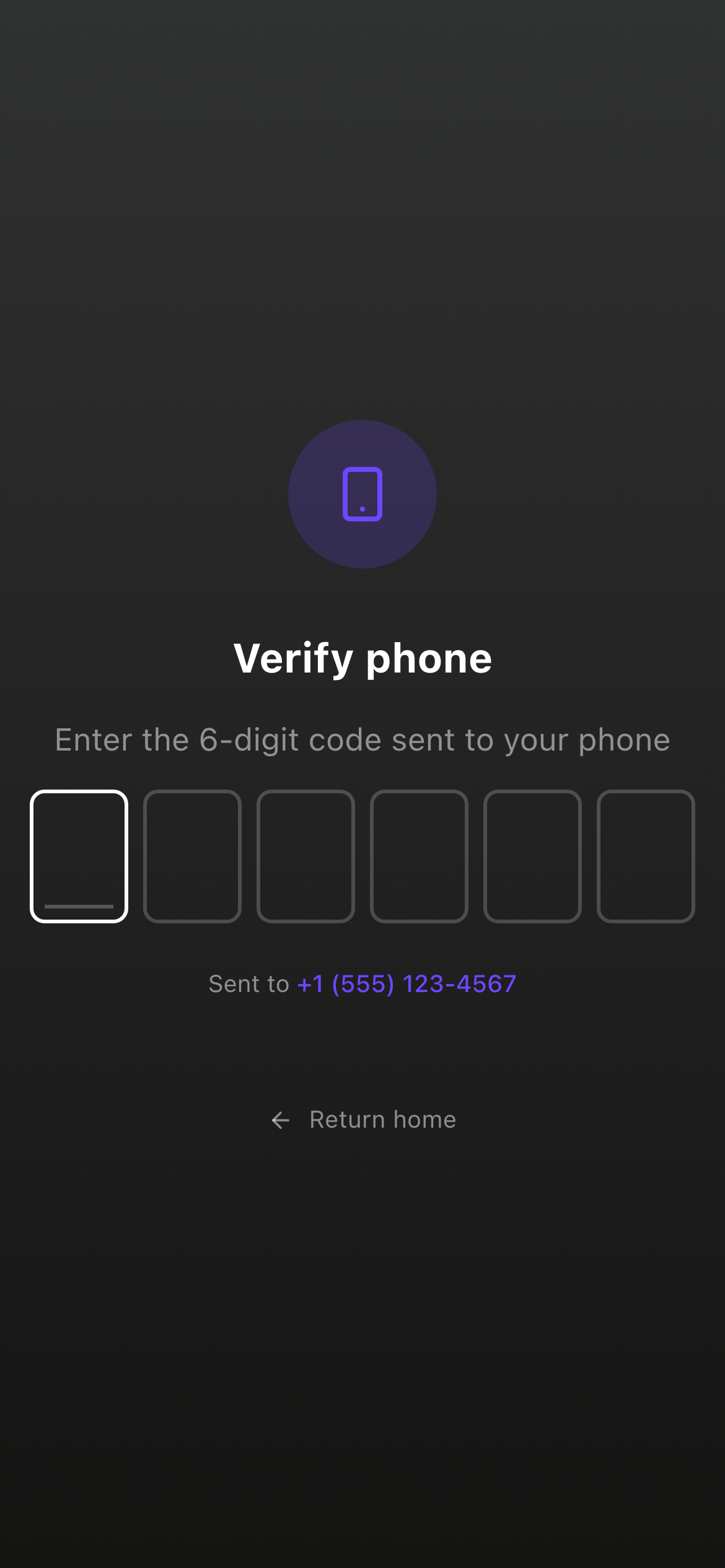
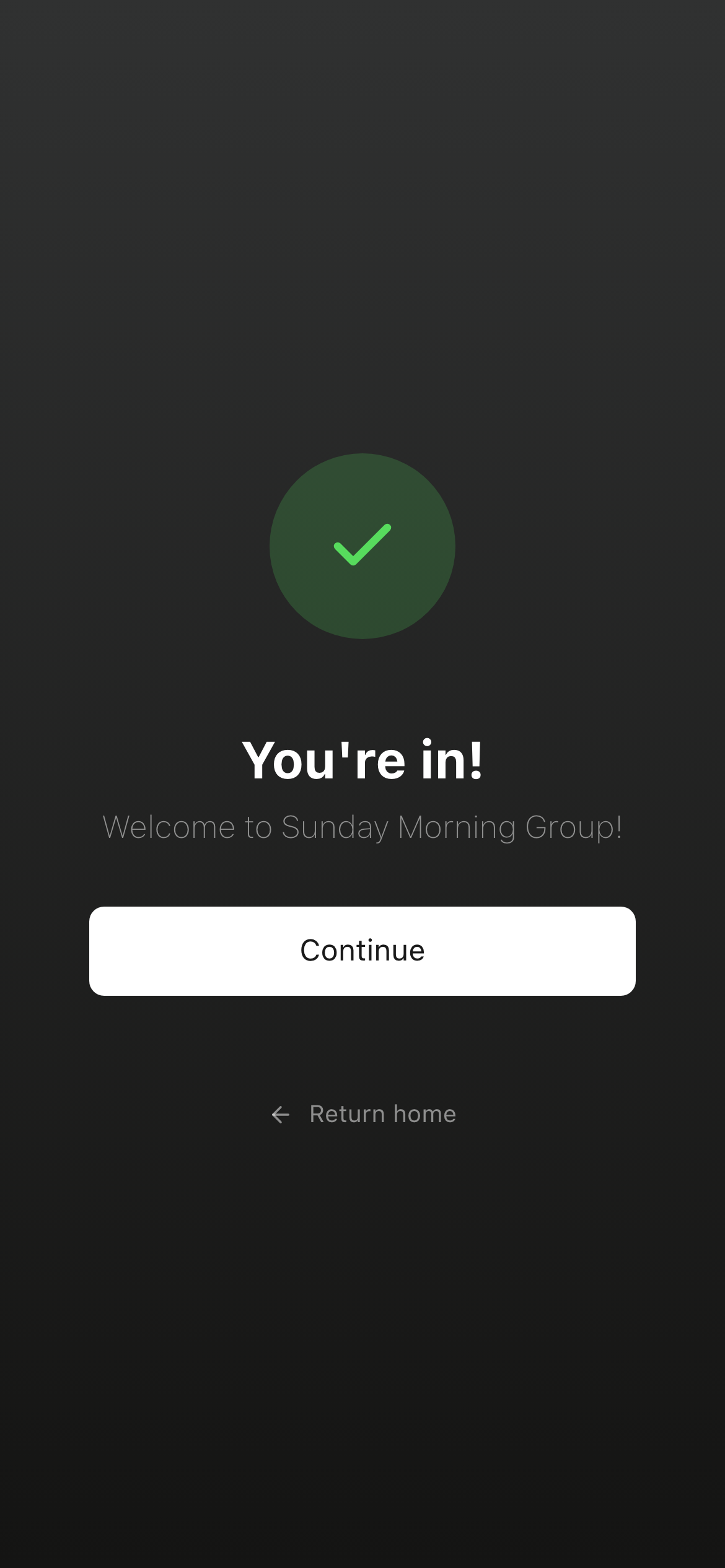
← swipe to see each step →
Exact Consent Language
The consent checkbox on the SMS Consent step is never pre-checked and is optional — the member can continue and complete joining whether or not it is checked. Checking the box is the member's affirmative opt-in to receive SMS; leaving it unchecked simply means they are not enrolled for SMS (they can still join and use the app).
☝ This checkbox is a non-interactive replica of the one shown in the carousel above.
Where Consent Is Collected
The same SMS consent checkbox appears on all join flows:
- Join Group: app.makeready.org/join/group
- Join Study: app.makeready.org/join/study
- Join Event: app.makeready.org/join/event
The login flow (app.makeready.org/login) does not display the SMS consent checkbox because login is for existing members who have already given consent during the join process.
What Members Agree To
When a member checks the consent checkbox and joins a group, they agree to:
- Receive SMS notifications from their group leader via MakeReady
- Messages related to group events, daily studies, and group activity
- That message and data rates may apply
- MakeReady does not share mobile phone numbers or opt-in information with third parties or affiliates for marketing or promotional purposes.
Message frequency varies based on group activity and leader communications.
Sample Messages
Below is a representative example of the SMS message recipients receive from MakeReady. The brand name, opt-out keyword, help keyword, and rate-disclosure footer are present in every message.
Group invite (sent by a group leader):
"Luke invited you to join “Young Professionals” on MakeReady! Tap here to join: https://app.makeready.org/join/group/NNNM76. Msg & data rates may apply. Reply STOP to opt out, HELP for help."
The recipient has given the group leader prior verbal or written consent before this message is sent. Tapping the join link delivers them to the on-site opt-in flow shown above, where they may additionally opt in to SMS via the optional checkbox (not required to join).
Consent Recording
When a member submits the join form, the server records their consent choice:
- The
smsConsentboolean —trueonly if the member checked the optional box - A
smsConsentAttimestamp of when the choice was recorded - The phone number associated with the record
SMS is sent only to members whose recorded smsConsent is
true. Members who leave the box unchecked still join successfully;
they are simply not enrolled for SMS.
How to Opt Out
Members can opt out at any time by replying STOP to any message. They can also get help by replying HELP or contacting us at [email protected].
More Information
For complete details on how we handle your data and the terms of our SMS program, please review:
- Privacy Policy — how we collect and protect your information
- Terms of Service — full terms of the MakeReady SMS messaging program
- SMS Opt-In & Consent Proof (PDF) — verbal script, printable paper opt-in form, and message-program details